

Two critical security vulnerabilities have been discovered in PHP, the programming language powering millions of websites, including WordPress sites. The vulnerabilities could allow attackers to execute malicious code on vulnerable web servers without needing a username or password.
If your organization manages a PHP-based website, immediate action is recommended.
What Happened?
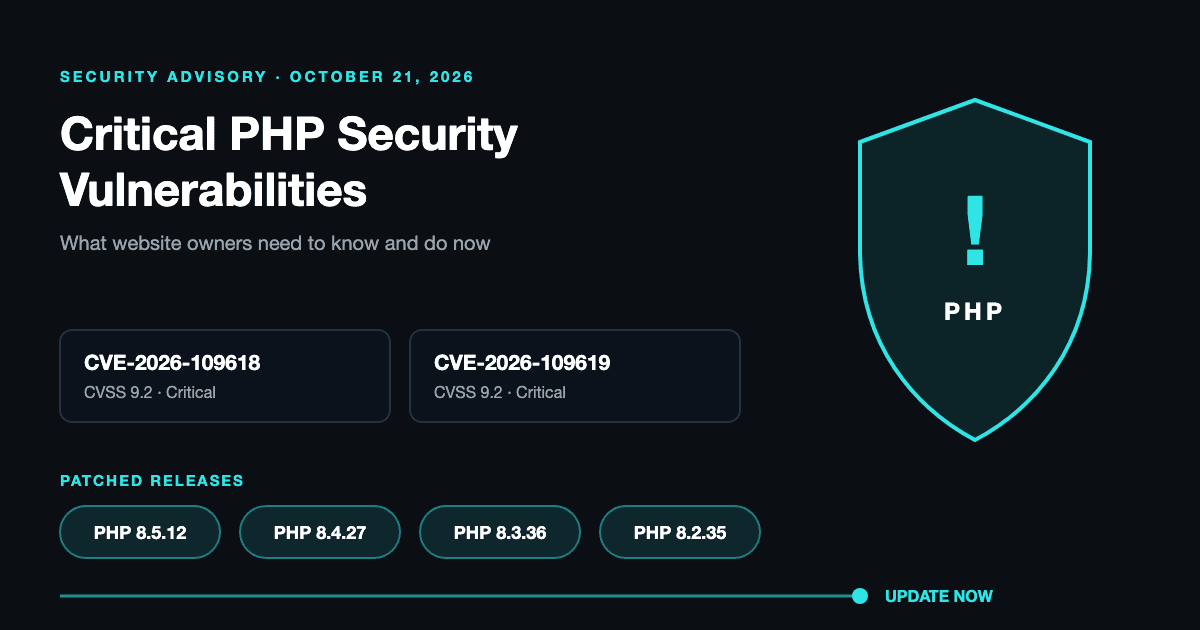
The PHP security team disclosed two critical vulnerabilities, CVE-2026-109618 and CVE-2026-109619, both rated 9.2 out of 10 in severity.
These vulnerabilities involve how PHP handles memory and information between web requests. If exploited, they could allow unauthorized attackers to execute code on a vulnerable server, potentially compromising website security and sensitive information.
The issue affects PHP installations serving web requests, not just WordPress. Other PHP-based websites and applications may also be vulnerable.
When Did This Happen?
On October 20, 2026, the PHP security team issued an advance warning about the vulnerabilities.
On October 21, 2026, the team released security updates addressing both issues and urged PHP users to update immediately.
How to Fix It
The PHP security team has confirmed that updating PHP is the only complete solution. Website owners and IT teams should take the following steps:
- Check your current PHP version. Contact your hosting provider or website administrator to determine which version your website is running.
- Apply the latest security update. Update to the appropriate patched release:
- PHP 8.5.12
- PHP 8.4.27
- PHP 8.3.36
- PHP 8.2.35
- Review older PHP installations. PHP 8.1 and earlier no longer receive regular security updates from the PHP project. Work with your hosting provider to upgrade or confirm that vendor-supported security patches are available.
- Test your website after updating. Confirm that forms, integrations, plugins, and other essential website functions continue working properly.
For WordPress websites, coordinate the PHP update with your hosting provider and confirm compatibility with your WordPress installation, themes, and plugins.
What Should Your Organization Do Next?
If your organization manages a PHP-based website, don't wait until your next scheduled maintenance cycle to address this issue.
Contact your IT team, website administrator, or hosting provider immediately to confirm that the appropriate security patches have been applied.
If an immediate update isn't possible, consult the official PHP security advisory for temporary risk-reduction measures. These are not substitutes for installing the security update.