


Where people and AI agents run the work together.
PRESHos connects to the systems you already run, gives agents real work to do, and keeps your people in charge of what changes. We run our own company on it.
The core of the platform.

Agents
Delegate work to an agent and review what it proposes.

Automations
Triggers start agents and actions without anyone asking.

Connectors
Sync records with the systems you already run.
Plugins and skills
Give each agent the tools and know-how for its job.
Model choice
Anthropic, OpenAI, Google and xAI models, chosen per agent.
Permissions
Roles for people and for agents, down to the field.

Approvals
One queue where people decide what goes ahead.
Runs and cost
Every run with its steps, tokens and cost.

Knowledge
A shared wiki and memory that agents can search.
Records
Companies, deals, projects and tasks in one system.
Delegate work, watch it happen,review the result.
Its own VM
Every cloud session runs in its own isolated virtual machine.
Browser use
Agents browse the web and work through pages the way a person would.
Computer use
On your desktop, agents operate the apps you choose to allow.
Artifacts
Documents, pages and files are built in the session and open beside it.
Reach your agentswhere you already work.
Messaging and voice
Teams

Slack

Webex

Phone

Email
PRESHos apps

Desktop app

Chrome

Web app
The same agent, with the same permissions and the same record, however you reach it.
Personal agentsand team agents.
Personal agent
One for each person. Private to its owner, and works for them.
- Belongs to
- One person
- Acts as
- Its owner, with the owner’s access
- Accountable
- Its owner
Team agent
Does a job for the whole team, and is listed in the team directory.
- Belongs to
- The team
- Acts as
- Itself, with its own assigned roles
- Accountable
- A named manager
Either way, role permissions and tool policy decide what is allowed, what needs approval and what is denied.
AI works on a copy.You approve what goes live.
A working copy of your data, with a gate before production.
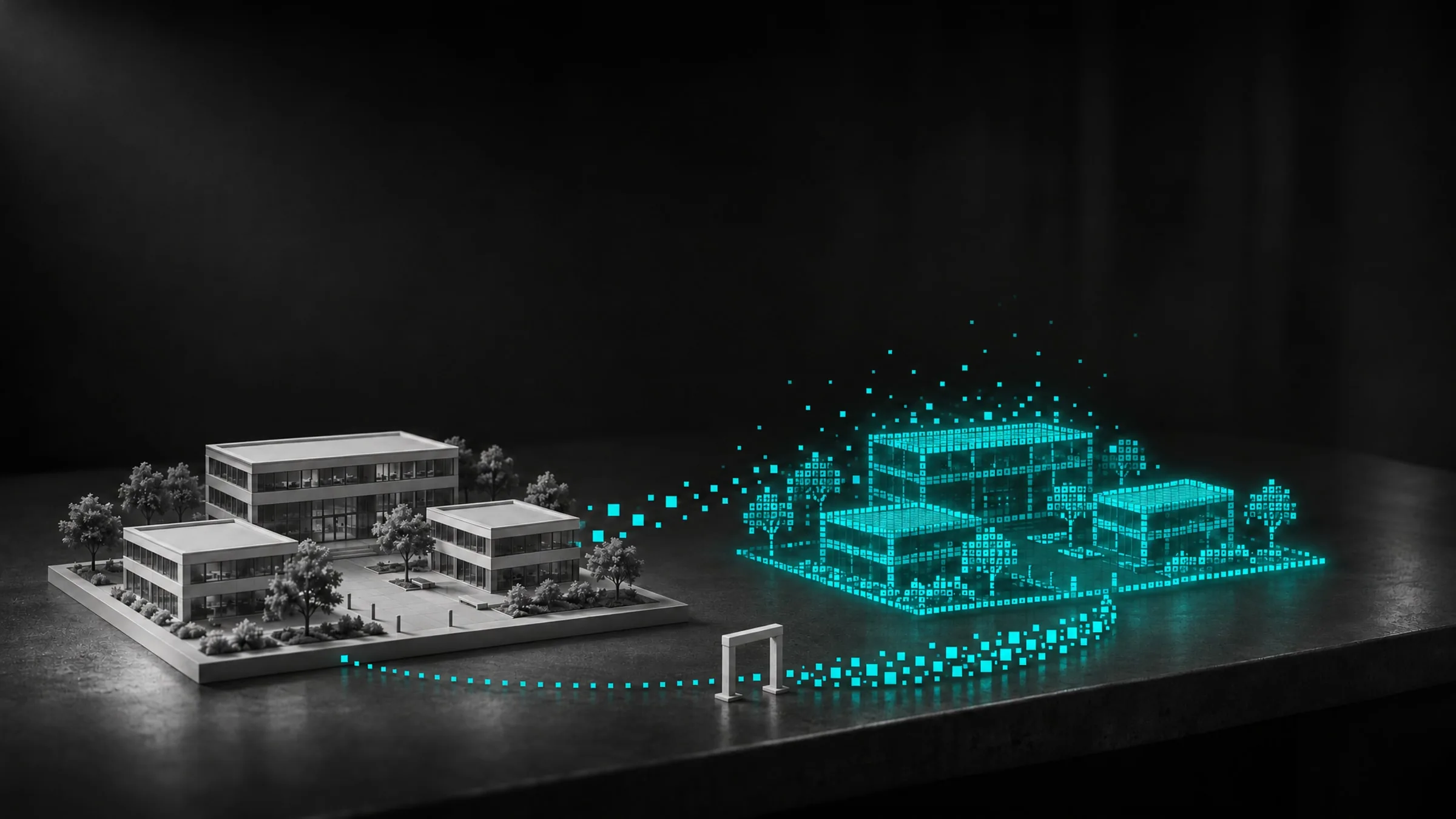
Your live systems
Stay the system of record.
Digital twin
A copy of your data, where agents do the work.
Approval
A person decides what goes back, and when.
One piece of work,from request to record.
Every job an agent does on PRESHos follows the same path, whoever asked for it and whichever model does the work.
Request
A person asks, or a trigger starts the work without anyone asking.
Context
The agent gathers what it is approved to see: records, files and the shared wiki.
Work
It uses the tools it is permitted to use, in its own isolated session.
Approval
It pauses for a human decision. The review lands in one inbox.
Record
The result and its evidence go back to the systems your team already uses.
Every action hasone of three outcomes.
Role permissions and tool policy decide which. An agent never has more access than its owner.
- The action is inside the agent's role and tool policy, so it goes ahead and is recorded.
- The agent proposes, the owner decides. The request waits in the approvals inbox until a person signs off.
- The action is outside what the agent may do. It does not happen.
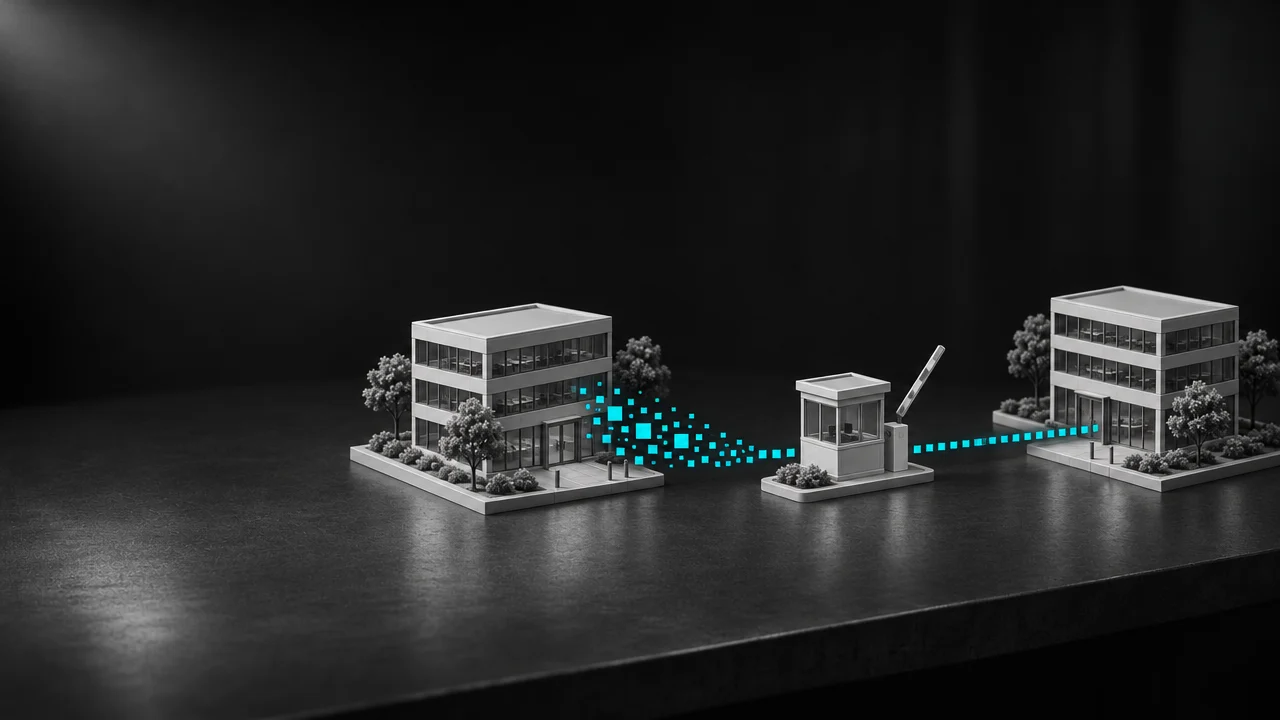
The agent proposes.The owner decides.
Agents do the work on a copy of your data. A person decides what goes back to your live systems, and when. Reviews land in one inbox, and nothing is written until someone signs off.
Work that startswithout anyone asking.
An automation is a short recipe: when something happens, then do this. A trigger can start an agent, an action, or both.
- A work item is created
- Its status changes
- A field changes
- An approval is decided
- A schedule comes due
- Assign an agent
- Request approval
- Create a task
- Create a record
- Change status
- Add a comment
- Send an email
- Permissions are checked when it runs. An automation never bypasses them.
- It waits while an agent works or an approval is pending, then carries on.
- Each step can carry a condition, and every step's result is recorded.
What is onthe record.
Every run leaves the same evidence, so a question about what happened has an answer.

Who did it
The person, and the agent that acted for them.

Which tools
Every tool the agent used, in the order it used them.

What changed
The change itself, and who approved it.

Cost per task
Every run carries its steps, tokens and cost.

By work item
Rolled up by person, by agent and by the work it was for.

Nothing hidden
Costs are marked actual or estimated, never left blank.
Where theagents run.

In the cloud
Every cloud session runs in its own isolated virtual machine, with a browser the agent can work through the way a person would.

On your desktop
On an enrolled Mac, the agent works in the user's workspace and operates only the apps you choose to allow.
Security,area by area.
- SSO and identity provider integration
- MFA support
- Directory sync
- Tenant and membership binding
- Role-based access and tool policy
- Object, field and record scopes
- Each action is allowed, sent for approval or denied
- A personal agent acts as its owner, with the owner's access
- A team agent acts as itself, with its own assigned roles
- An agent never has more access than its owner
- Cloud sessions run in isolated microVMs
- Local sessions run on an enrolled Mac, in the user's workspace
- Configurable cloud egress
- SSRF safeguards
- Scoped access to MCP servers, APIs and AI models
- Encrypted storage
- Private file access
- Point-in-time recovery
- Google Cloud Secret Manager
- Scoped runtime grants
- Server-side credentials
- Run and tool event traces
- Human approval records
- Actor, action and outcome for each
What your peopleand agents share.

Knowledge
A shared wiki and memory that agents can search, so what one person teaches an agent is there for the next piece of work.

Records
Companies, deals, projects and tasks in one system, so an agent's work is attached to the thing it was for.
Explorethe platform.

Agents
Delegate work to an agent and review what it proposes.

Automations
Triggers start agents and actions without anyone asking.
Connectors
Sync records with the systems you already run.

Plugins and skills
Give each agent the tools and know-how for its job.

Governance
Roles for people and agents, one approvals queue, and who signed off.

Security
Identity, policy and evidence across every agent run.
Runs and cost
Every run with its steps, tokens and cost.

Model choice
Anthropic, OpenAI, Google and xAI models, chosen per agent.

Product tour
One piece of work from the request to the approval, on the real product.
Governance, security,visibility and connections.
Who can do what and who signed off, how each request is checked, what every run cost, and how PRESHos connects to the systems you already run.
Relatedreading.
More on Platform
AI & Automation
AI Works on a Copy: Approval Before Anything Reaches a Live System
Agents can do real work on a working copy of your data while a person approves what goes back. Here is how a digital twin and an approval gate work together.
AI Engineering
Choosing a Model per Agent: Match the Model to the Job
Different agent jobs suit different AI models. Here is how to choose a model per agent, compare options fairly and keep your controls the same throughout.
AI Engineering
Field-Level Permissions for Agents: Control Down to the Field
Field-level permissions decide which parts of a record an agent can read or change. Here is how roles, scopes and fields combine, with a worked example.

Where would PRESHos help first?
Tell us about the work and the systems involved, and we will walk through how PRESHos would support it.